Brand
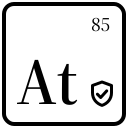
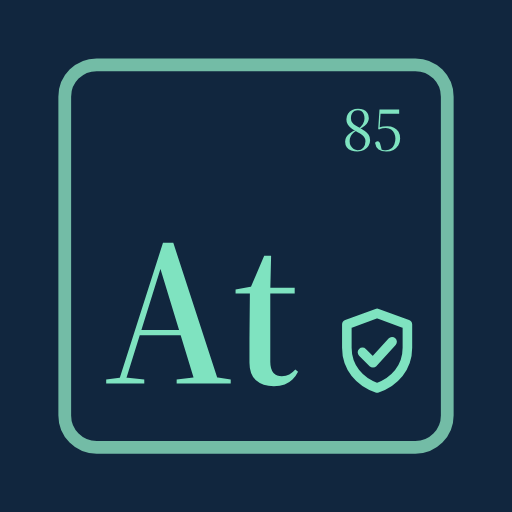
The Attestium mark is an element tile: the symbol At, atomic number 85, and a shield with a check. Use the files below as they are.
Logo
Mark
Use the full tile at 48 pixels and larger. Below that, the number and the shield are too small to read: use the simplified tile, which is also the favicon.
Clear space and size
- Clear space: one quarter of the tile's width on every side, more where possible.
- Minimum size: 48 pixels for the full mark, 16 pixels for the small mark, 120 pixels wide for the logo.
- The wordmark sits to the right of the tile, its cap height half the tile's height.
Color
- Navy
#13202EText, dark backgrounds - Tile
#11263EThe element tile - Mint
#73BCA6Tile border, rules, highlights - Bright mint
#7FE3C0The symbol on the tile; links on dark - Deep mint
#1F6B56Links on light - Paper
#F6F5F0Light background - Cream
#F1F0EBWordmark on dark
The SVG files take their colors from CSS custom properties when placed inline, with these values as defaults:
:root {
  --attestium-tile: #11263E;
  --attestium-line: #73BCA6;
  --attestium-glyph: #7FE3C0;
  --attestium-word: #13202E;
}
Type
- Source Serif 4, semibold
- Headings and the wordmark
- System sans-serif
- Body text, at the reader's system font
- JetBrains Mono
- Code, commands and hashes
Use
Do
- Use the SVG files unchanged.
- Use the dark logo on dark backgrounds.
- Use the monochrome mark where only one color can print.
- Link the mark to attestium.com.
Do not
- Stretch, rotate or outline the mark.
- Recolor the tile outside the palette, or add gradients and shadows.
- Set the wordmark in another typeface.
- Use the full tile below 48 pixels.
Files
- LogoMark and wordmark, for light backgrounds
- Logo, darkMark and wordmark, for dark backgrounds
- MarkThe element tile, 48 pixels and larger
- Small markThe simplified tile, below 48 pixels
- Monochrome markOne color, follows currentColor
- App iconPNG, 512 by 512